Online and digital invitations with RSVP, for weddings, baptisms and birthdays
Which event is the invitation for?



Civil ceremony? Choose Wedding. 18th or milestone birthday? Choose Birthday.
Digital invitations — also called online or electronic invitations — replace the printed card with a link you send on WhatsApp in seconds. You personalise the design, receive confirmations automatically and never ask anyone to install an app. They work for weddings, baptisms, civil ceremonies and birthdays — kids' parties, 18th birthdays, milestone anniversaries — in Romanian and English.
Start free, no card — build and preview your invitation before you choose a plan.

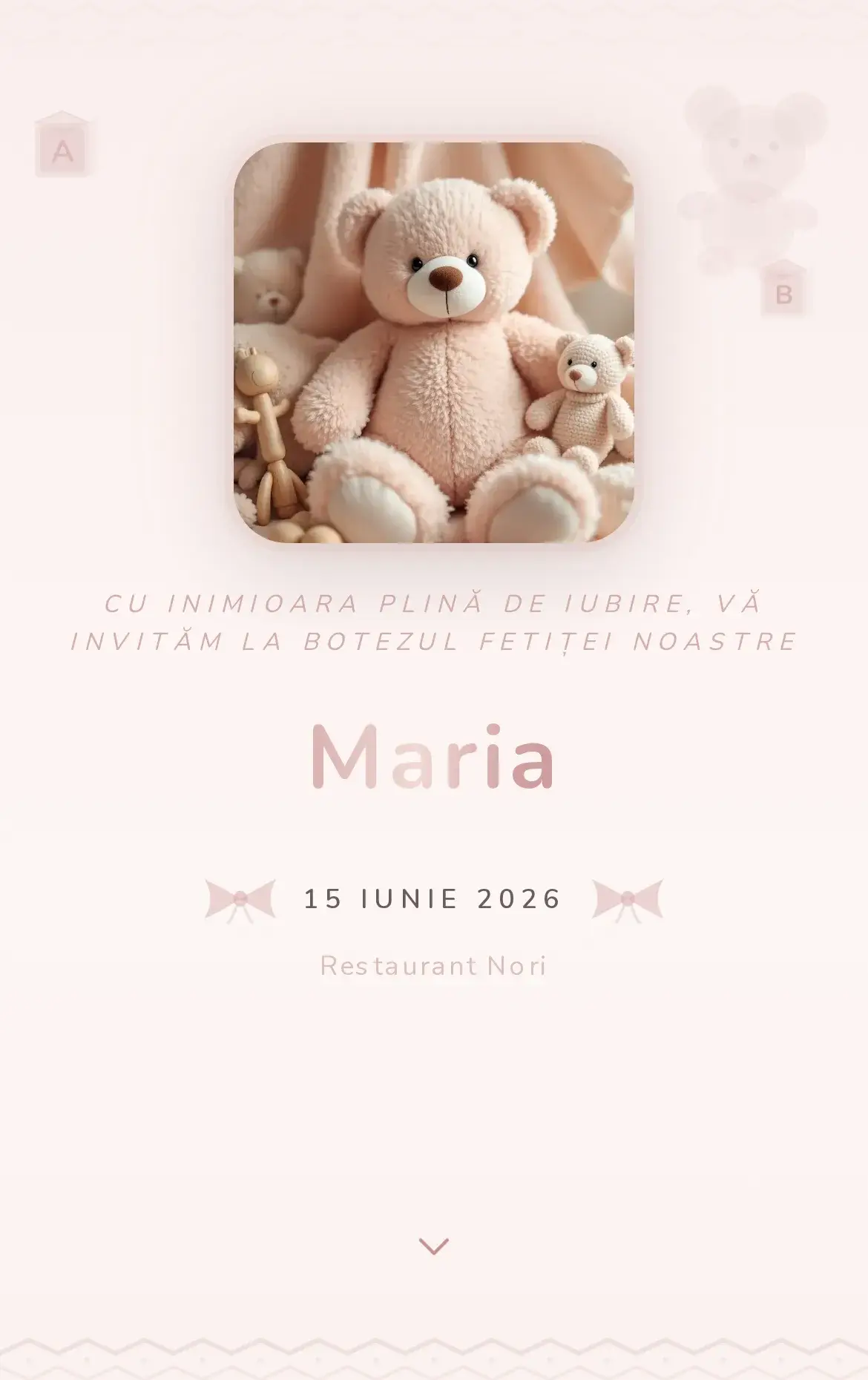
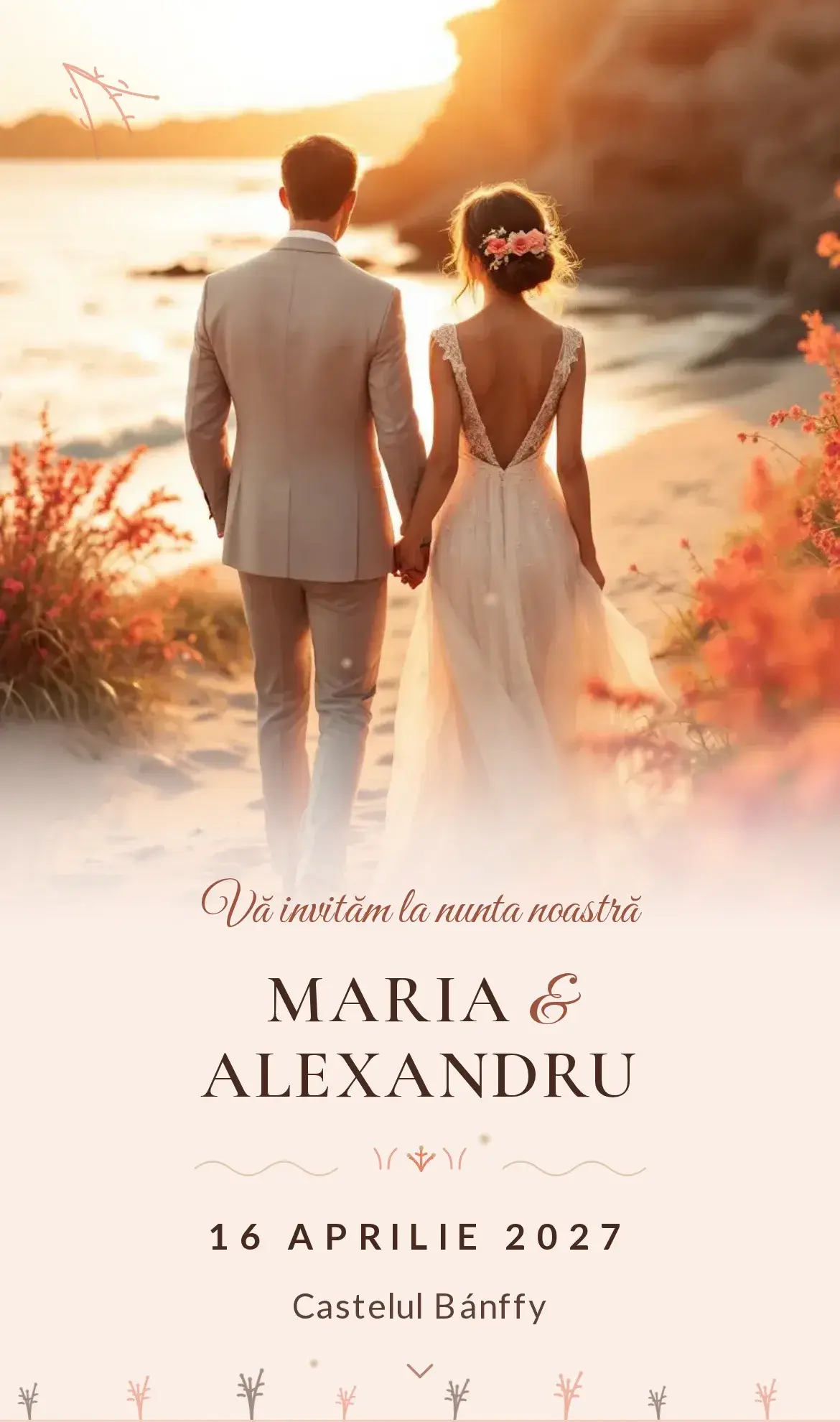

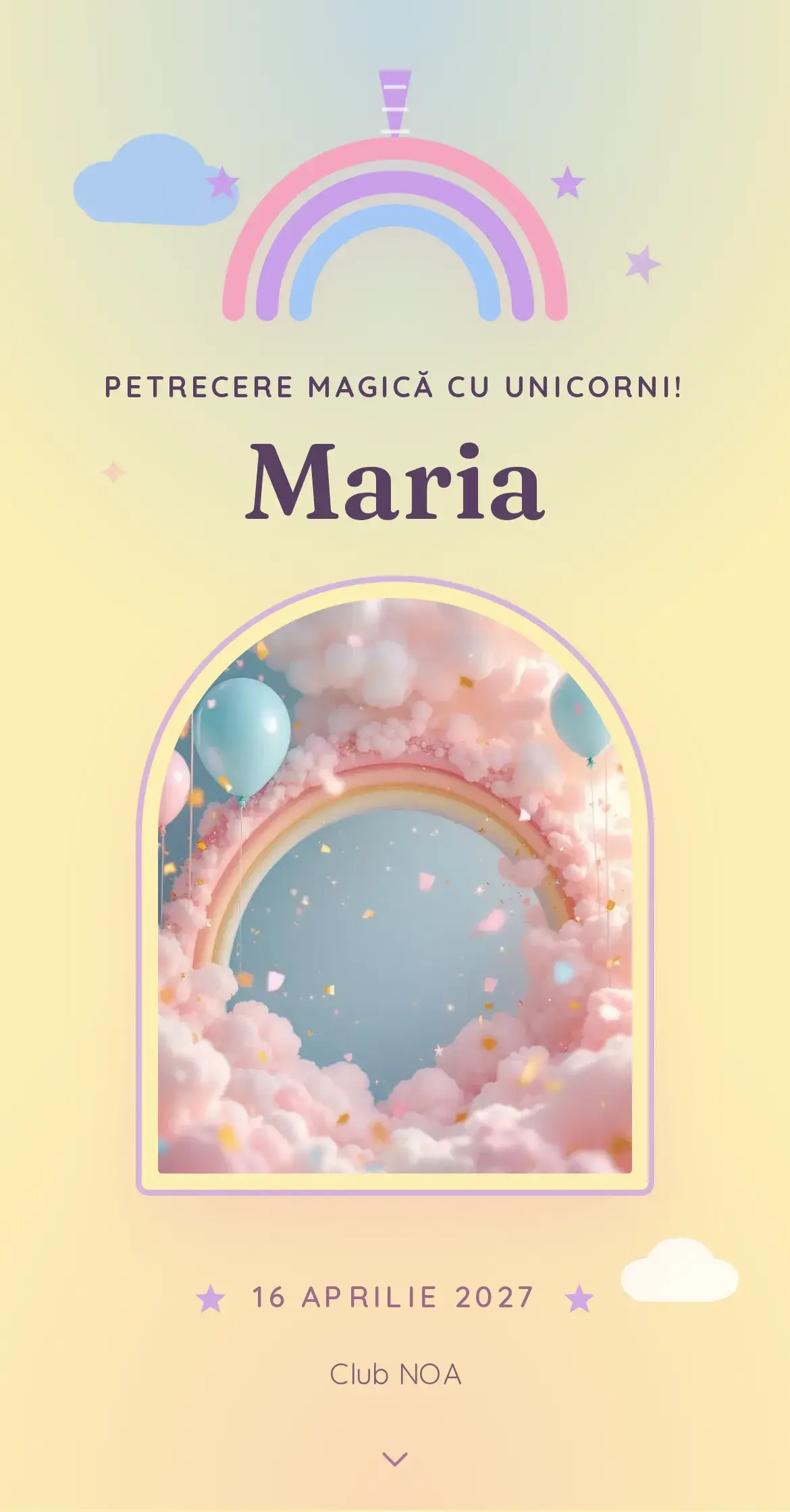
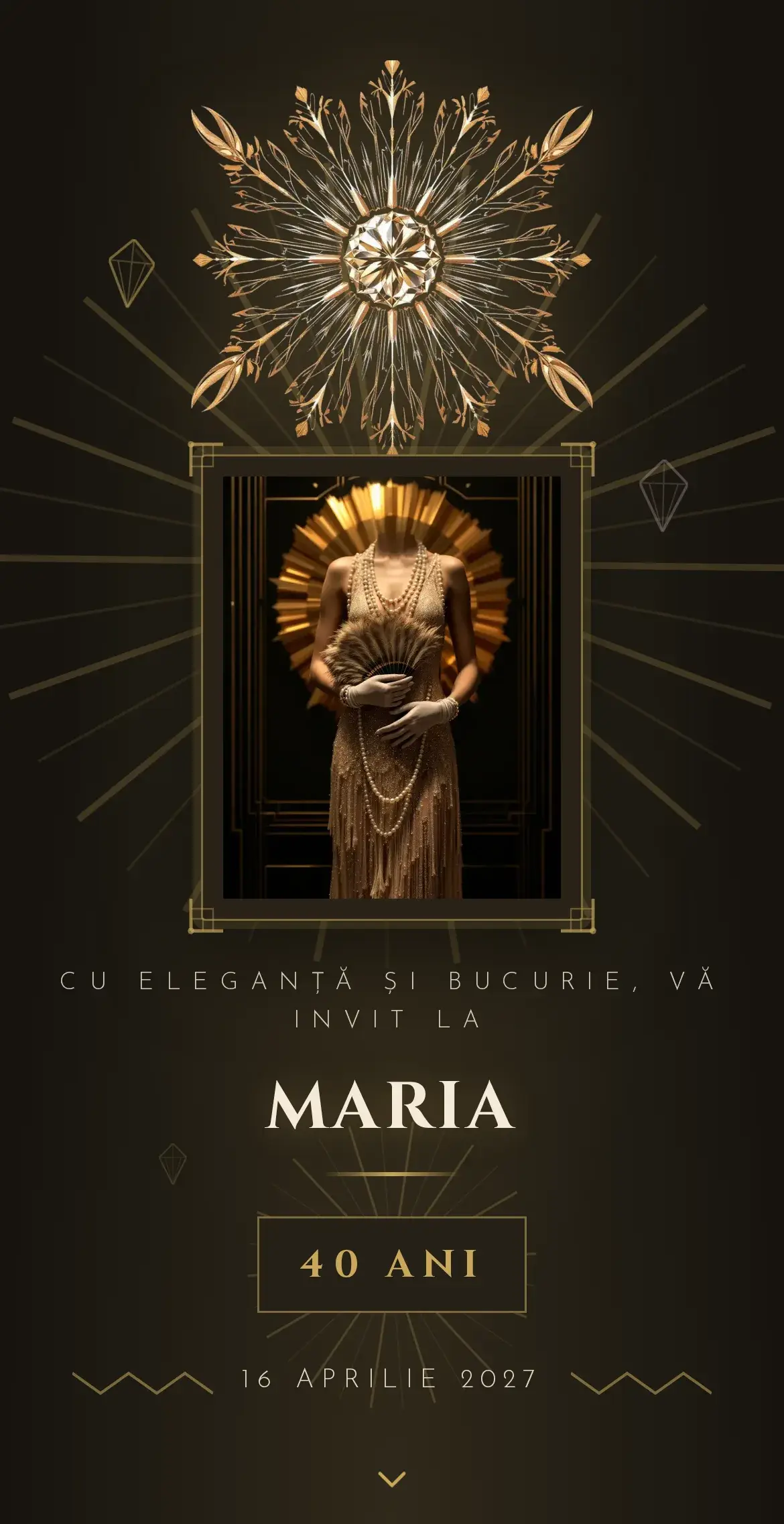
Online invitation templates — wedding, baptism, birthday
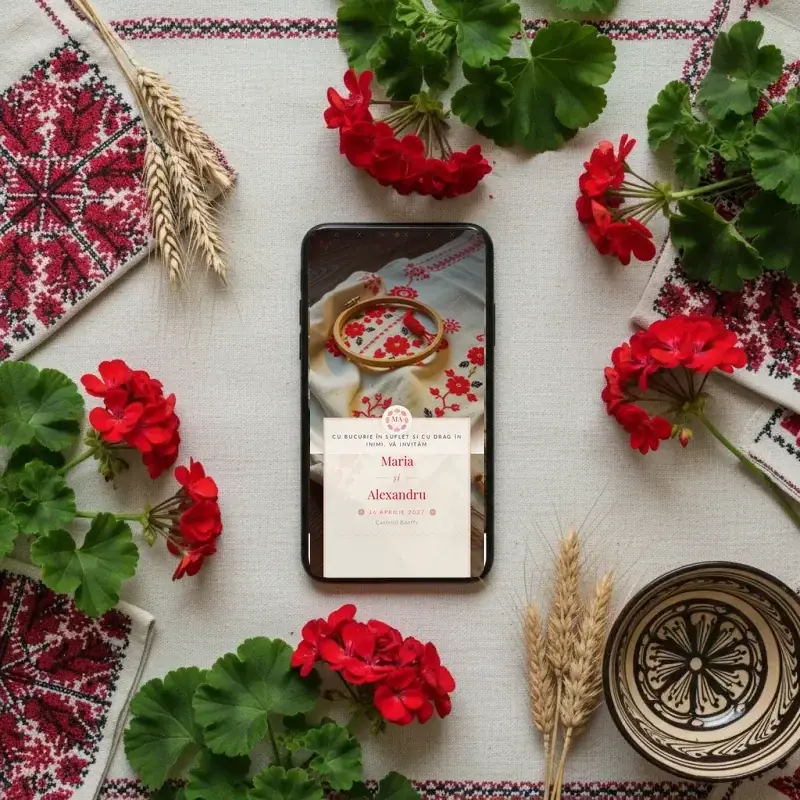
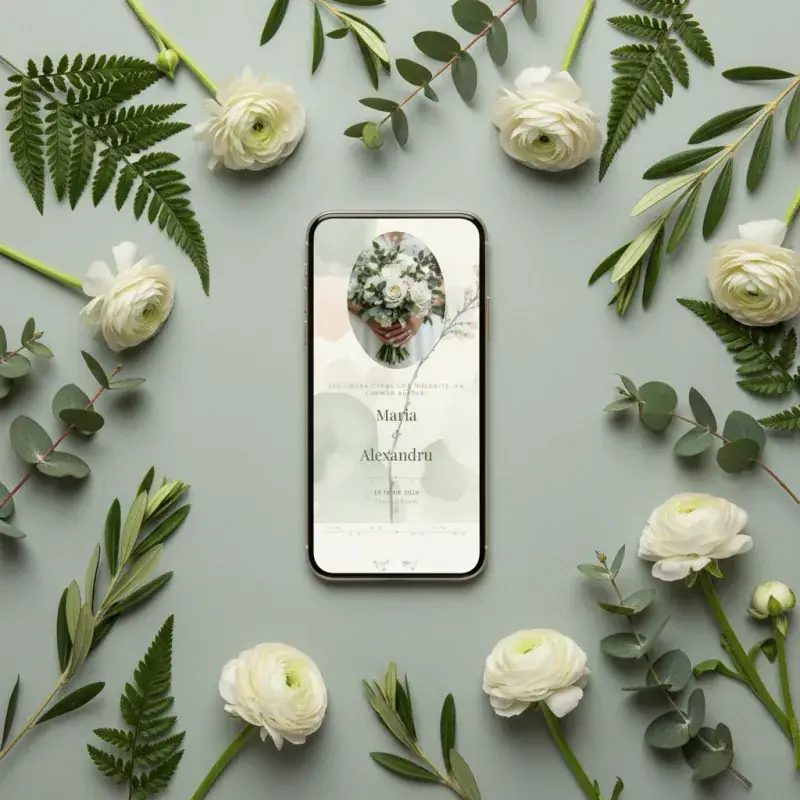
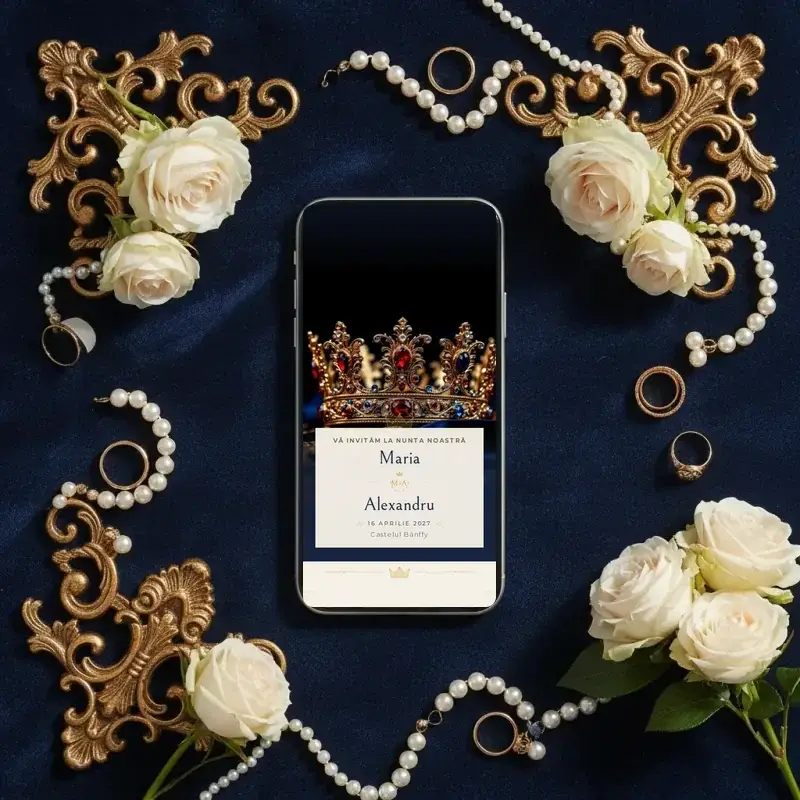
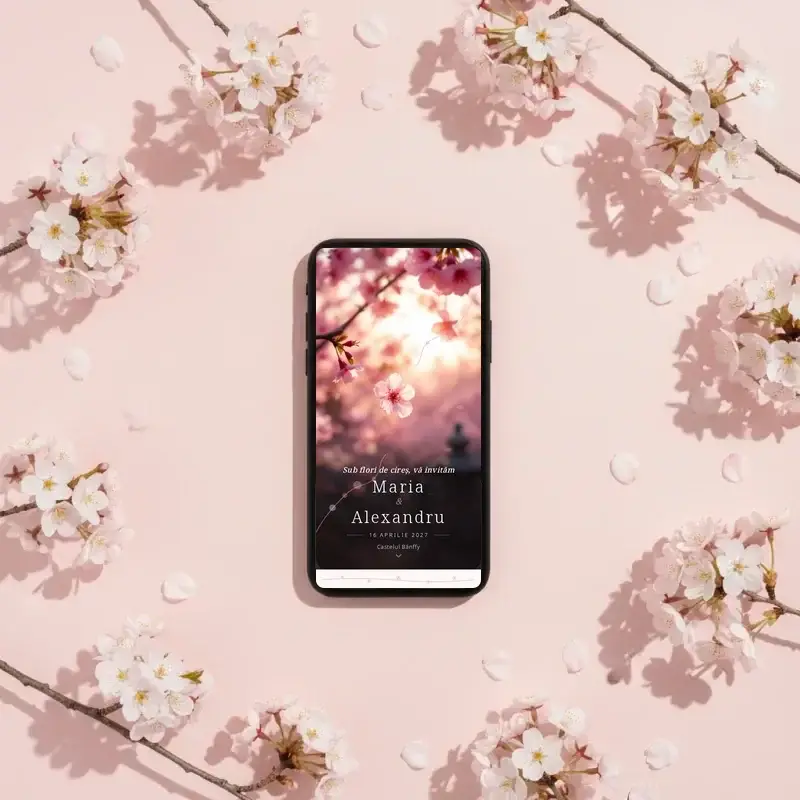
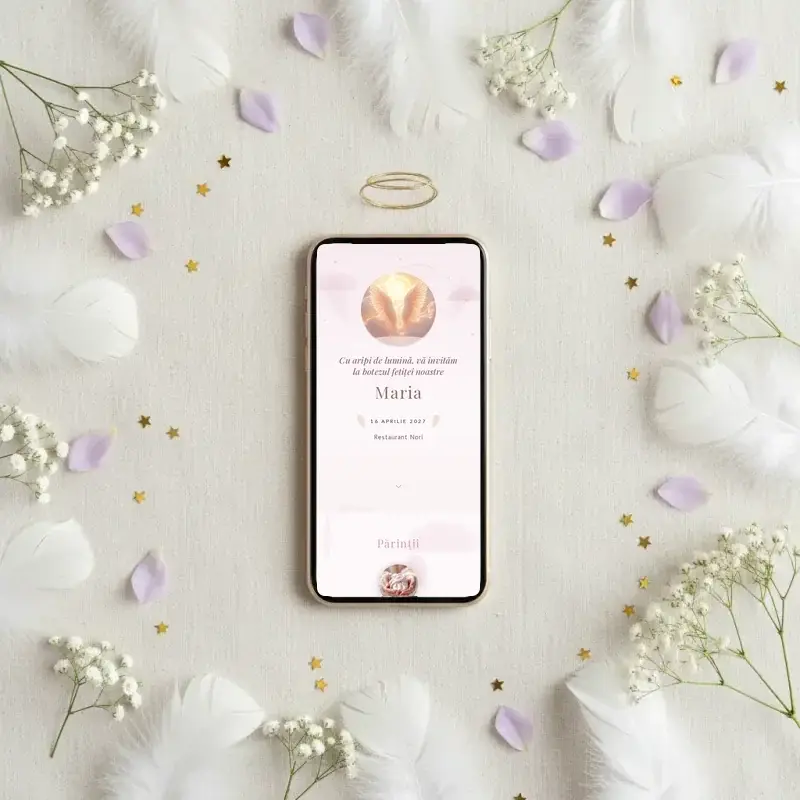
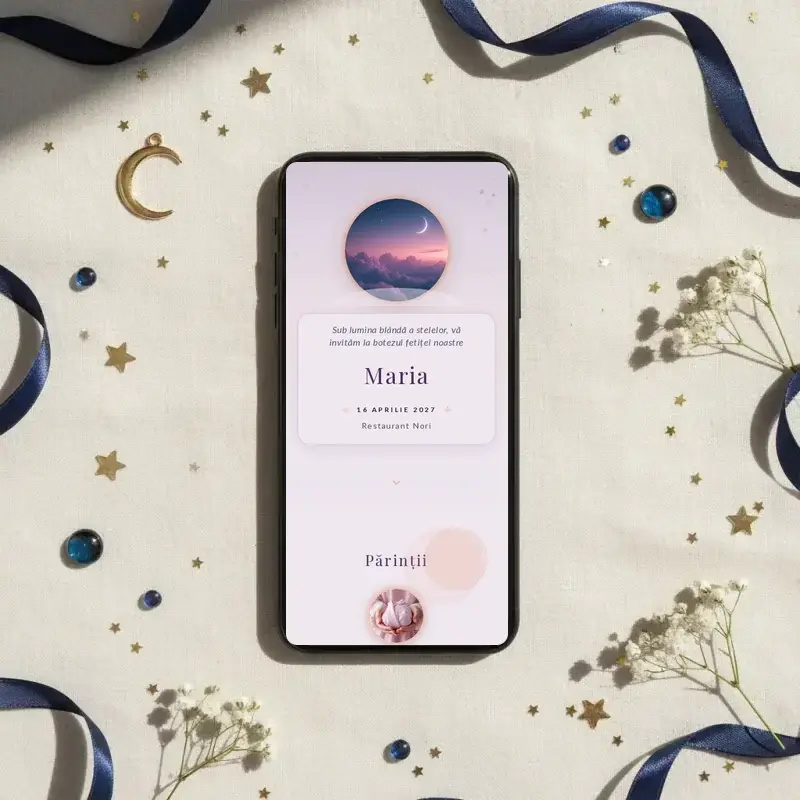
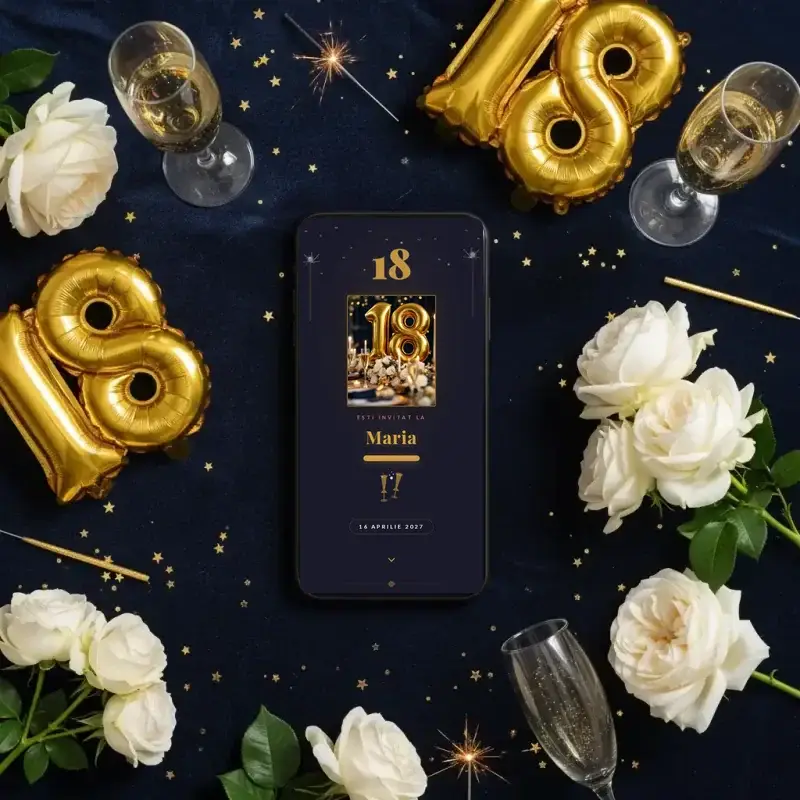
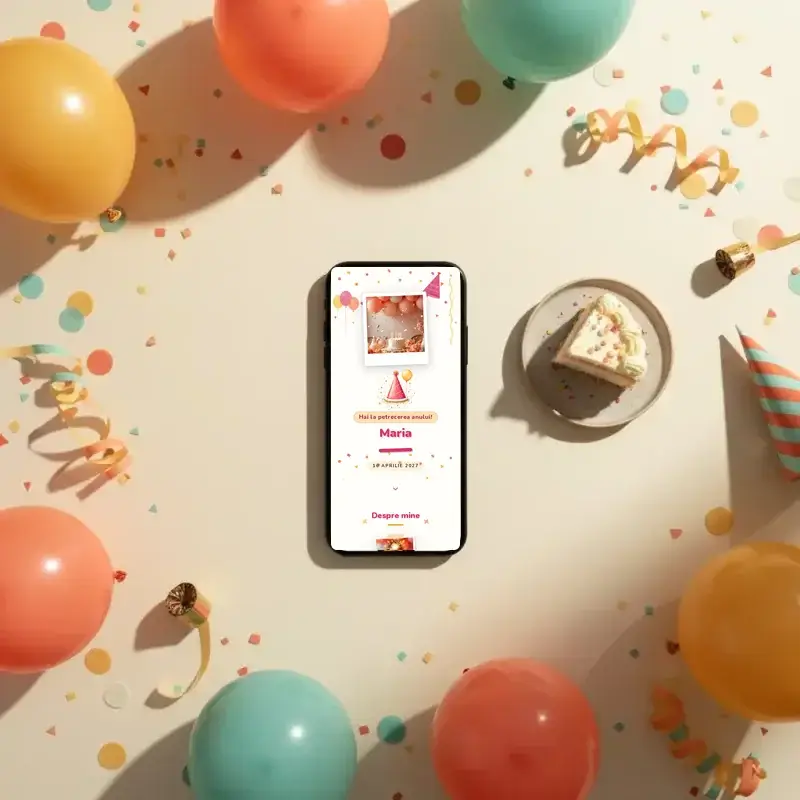
In 2026 we added new personalised online invitation templates for every event type: wedding sets with warm tones and editorial typography, baptism themes with delicate illustrations and cheerful birthday designs, from the first year to the coming-of-age party. Every new template already ships in Romanian and English, is built mobile-first — where almost all guests open the invitation — and is ready to personalise in minutes. You never start from a blank page: pick a design you like, swap the names, date and photos, and the layout stays beautifully arranged. The collection grows through the year, so it's worth a look before you send.

How to create an online invitation in 4 steps
Pick a template
Start from a design and customise the text, colours and photos.
Personalise
Edit everything right on the page — names, date, location, schedule.
Send
Share the link on WhatsApp, SMS or email. No app for your guests.
Track confirmations
Receive RSVPs in real time, with menu choice and guest count.
What a digital invitation can do
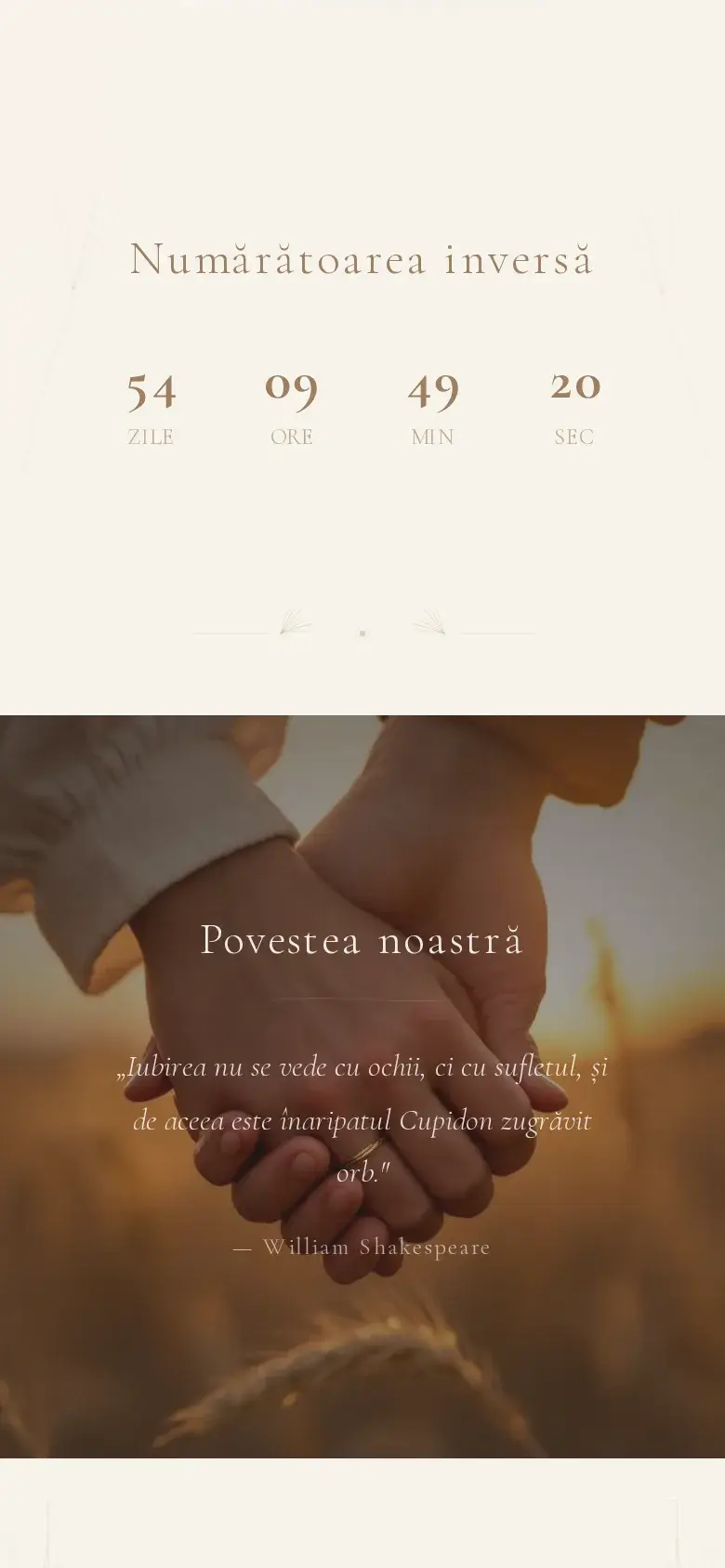
Beyond the essentials — names, date, venue — a digital invitation has sections you enable as needed: your story, the day's schedule, godparents, a countdown to the event and a map to the venue. All in one page guests open from a link, with nothing to install.
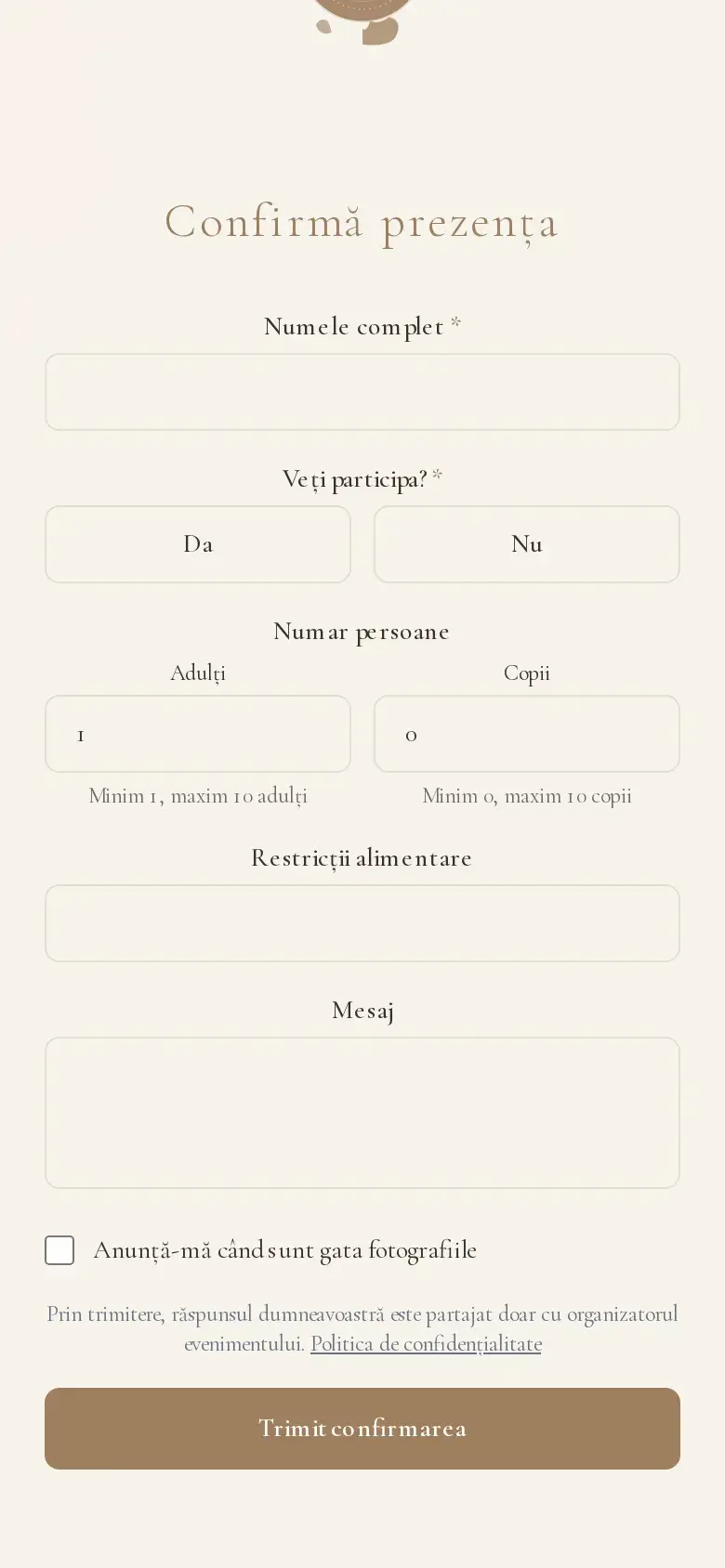
Confirmations arrive automatically: every guest replies right from the invitation, with adult and child counts and, if you enable it, their menu preference. You watch the list update in real time instead of collecting answers from calls and messages.
RSVP doesn't stop at a plain yes or no. In one view you see who has confirmed, who hasn't replied yet and how many adults and children each family is bringing, with the total recalculating itself as answers come in. You can nudge the latecomers, export the list for the venue or the seating plan, and add extra questions — menu choice, dietary needs, accommodation — without a single phone call. When someone changes their answer, the list updates instantly, so the headcount you give suppliers is always the real one.
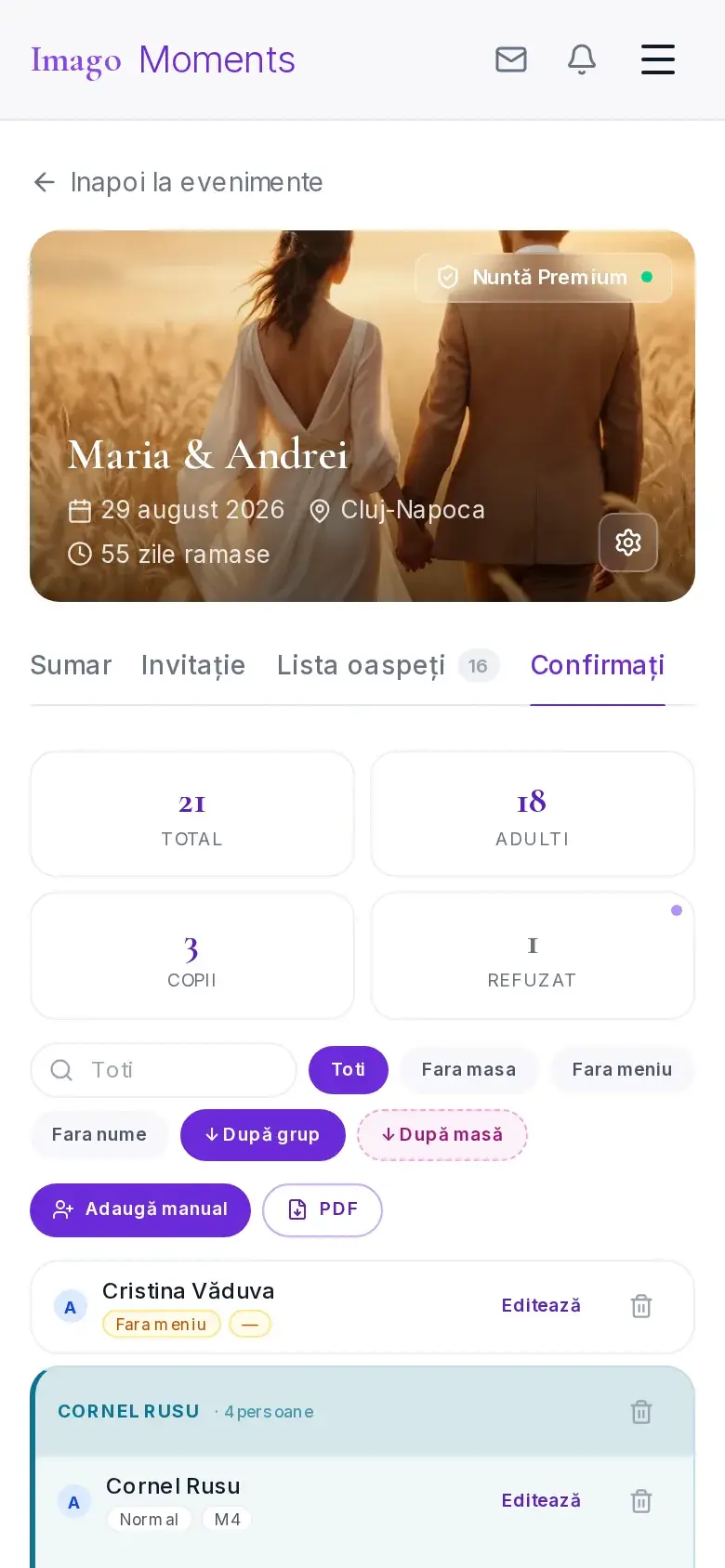
Your invitation opens everything you need for the event
Manage guests, RSVPs, tables and menu from one place — no spreadsheets, no chaotic WhatsApp groups.
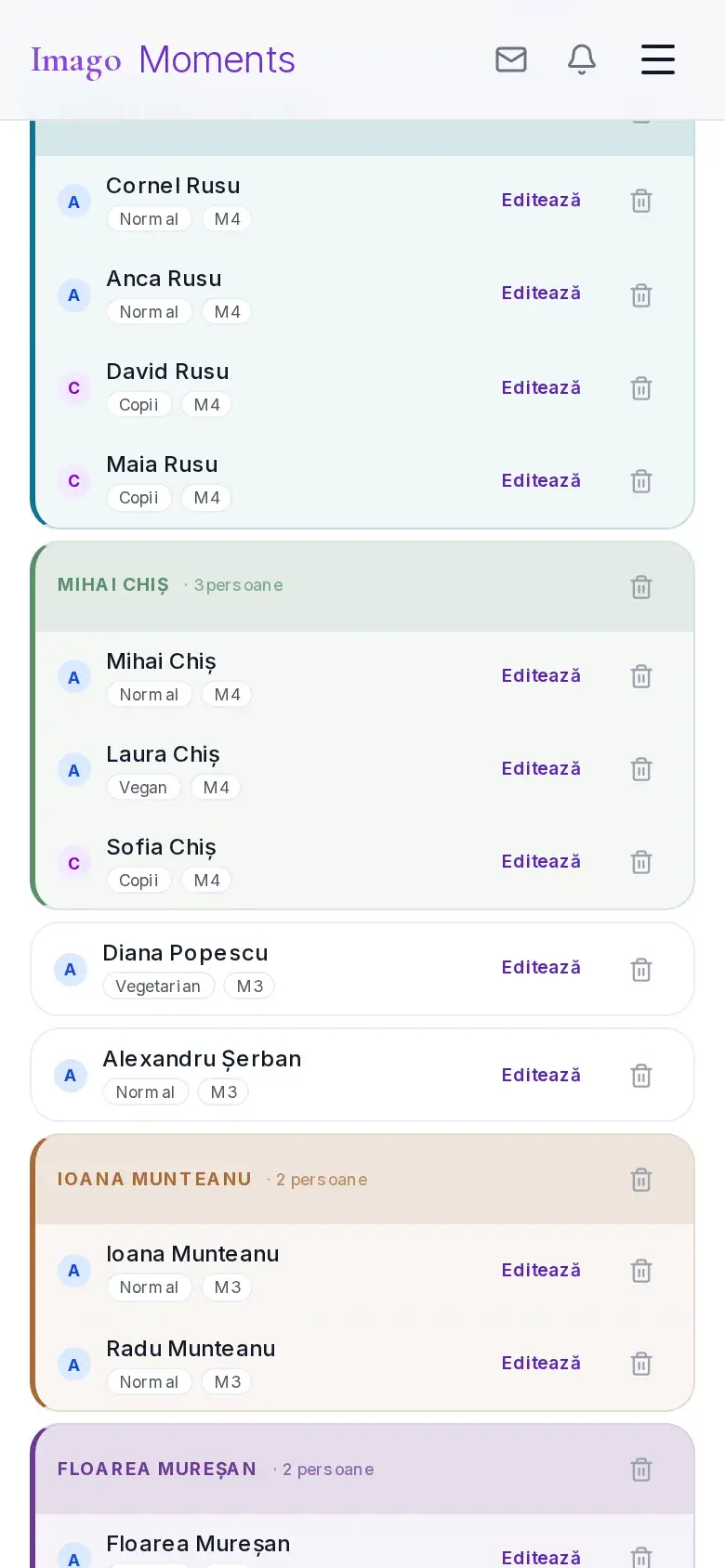
Guest list
Add manually or paste multiple names from a list, with family tags and invitation status.
Automatic RSVP
Confirmations arrive on their own: adults, children, by family — in real time.
Menu per guest
Standard, vegetarian, vegan or kids' menu — centralised for the venue.
Table assignment
Assign each guest a table, filter who has none, and export the RSVP/table report as PDF.
Budget & costs
Categories, payments (deposit/paid) and vendors — the total always up to date.
Team & vendors
Invite your photographer and videographer to upload photos straight to the event.
Event schedule
Ceremony, party, locations and times — synced with the invitation.
How to send the invitation on WhatsApp, step by step
WhatsApp is where your guests already are, so it's the easiest channel to share on. Here's how the invitation reaches them and how confirmations come back.
- 1
Finish and publish the invitation
Once you've personalised the text, colours and photos, you hit publish. The invitation gets a unique address, a short link anyone can open on any phone, with no account and no app.
- 2
Copy the link once
From the invitation page you copy the link. The same link works for all guests — you don't need to generate one per person.
- 3
Send it on WhatsApp
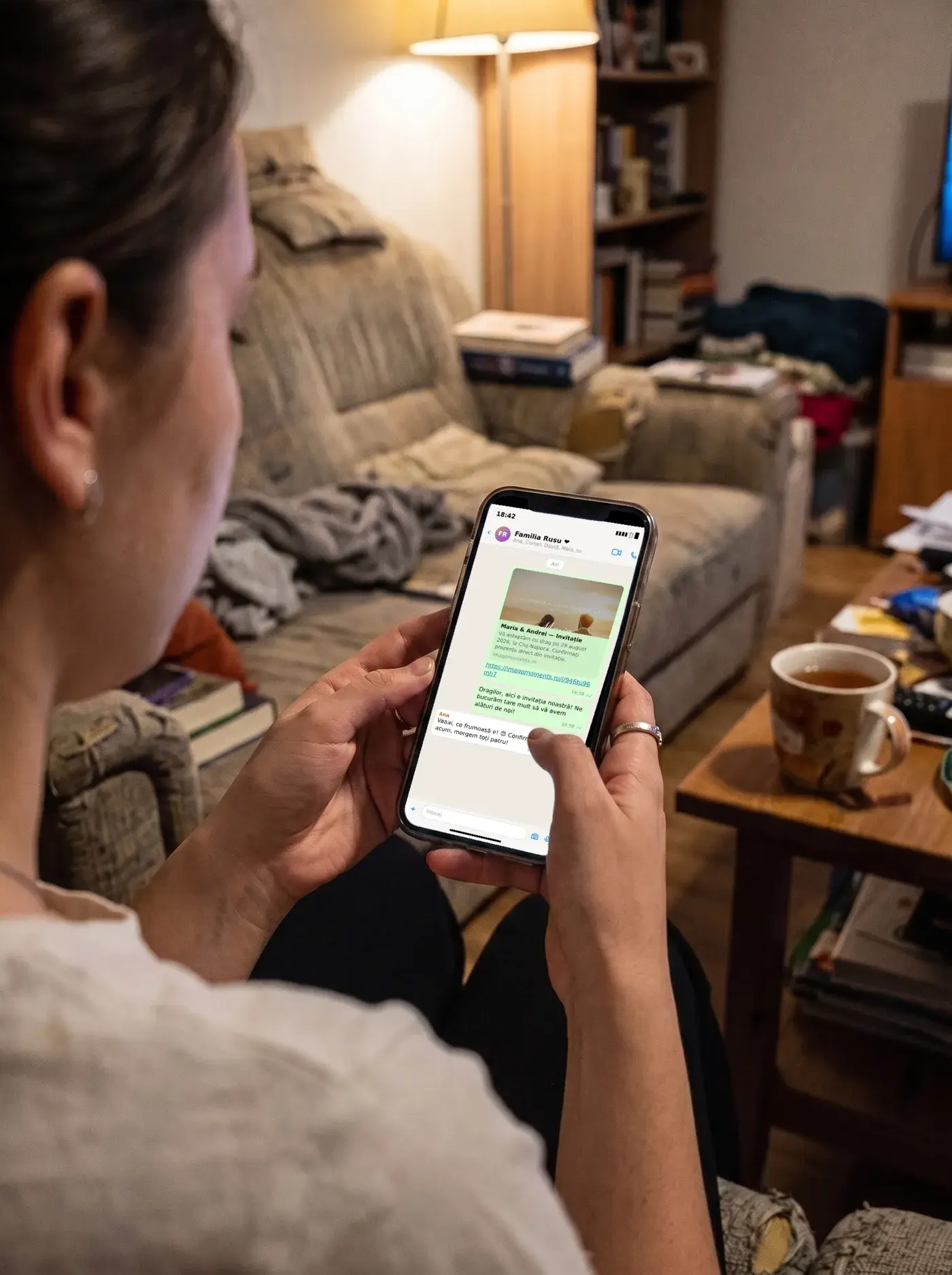
You paste it into a one-to-one chat, a family group or your status. WhatsApp automatically shows a preview with the invitation's image and title, so the message looks neat rather than a bare link. You can send it just as easily by SMS, Messenger or email — the link is the same.
- 4
Guests open and confirm
With a single tap, the guest opens the invitation in the browser, reads it and presses the confirm button. They pick how many adults and children are coming and, if you've enabled it, their menu preference — all without leaving the page.
- 5
See confirmations in real time
Every reply appears instantly in your dashboard, with the total recalculated automatically. No more gathering answers from dozens of chats: you have them all in one place, ready to export for the venue.
Every guest's photos in one AI album
Guests scan a QR code and upload their photos. AI organises them by person — each guest finds the photos they appear in.
1.Guests scan
A QR code on the tables or in the invitation.
2.Upload photos
Straight from the phone, no app needed.
3.Face recognition
Photos are grouped automatically by person.
4.Everyone finds their photos
Shared album, one-click download.
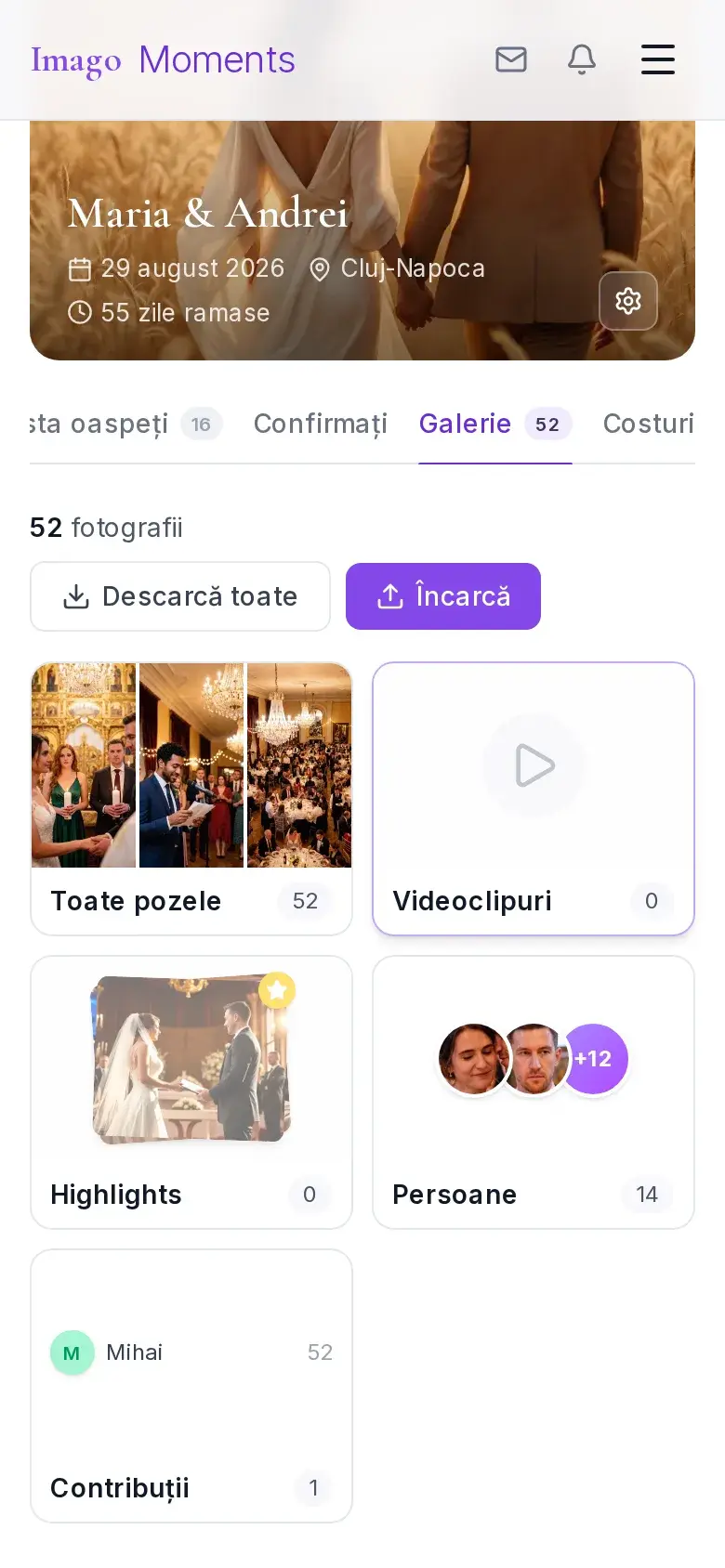
The photo album is part of the same event: once the invitations are out and the replies are in, guests upload their photos with the QR code. See how the AI photo album works
- photos collected from guests
- 3,000+
- guest RSVPs confirmed
- 190+
- invitation templates
- 169
updated July 2026
Digital invitation, paper, Canva or a free generator — which one?
All four get you to an invitation, but they differ a lot on cost, time and what happens after you hit send. Here's the honest comparison, limits included.
ImagoMoments digital invitation
You pay once per event, no subscription and no per-guest cost — you send the same link to 30 or 300 people. You finish it the same evening, share it on WhatsApp in seconds and get confirmations automatically, with guest counts and menu choice. You can edit anytime. The real limit: it's a link, not an object you hold in your hand — if you also want a card to keep, you can print the invitation separately.
Paper invitation
It has the charm of a physical object and an envelope in the mail, but it costs at every step: design, printing and postage multiply by the number of guests, and one typo or a changed date means reprinting the whole run. You collect confirmations by hand, through calls and messages, then copy them into a spreadsheet. From order to delivery can take one or two weeks, so you have to start early.
Canva or DIY design
It gives you total control over the look and can look great, but you end up with an image or a PDF: no built-in RSVP, no interactive map, no photo album and no updates after you've sent the file. You still gather confirmations manually, and if you change the time or venue you resend the file to everyone. You also need some design skill so the result doesn't look like a template.
Free generators
"Free" sounds good until you see what's missing: many put ads or their own logo on your invitation, cap the number of guests or views, keep the page online for only a few days and offer templates thousands of other couples use. Data often lands on servers outside the EU, and support is absent right when you need it. For an important event, saving a few lei is paid back in stress.
Digital invitations vs. paper invitations
| Digital | Paper | |
|---|---|---|
| Cost | One payment, no printing/postage | Printing + postage per guest |
| Changes | Edit anytime, instantly | Reprint everything |
| Confirmations (RSVP) | Automatic, in real time | Manual calls and messages |
| Delivery | WhatsApp, in seconds | Days, by post |
Invitation styles
Whatever the event, you start from a style that suits you. Here are the most requested directions and where to find them.
Elegant
Fine serif typography, generous spacing and subtle accents of gold, burgundy or deep green — for anyone who wants a sophisticated, classic but not dated feel. The text is set with care and photos get a simple frame. It fits weddings and evening events with formal dress best.
digital wedding invitations →Floral
Botanical illustrations, watercolours and pastel tones that bring freshness and delicacy. Leaves and flowers frame the names without hiding the information, and the warm palette works just as well with or without a photo. These are the favourites for baptisms and spring and summer events.
online baptism invitations →Festive
Bright colours, confetti, balloons and playful shapes, built for joy and energy at first glance. You can choose a girl, boy or neutral palette and show the age big and bold. It's the natural choice for birthdays, from the first year to the coming-of-age party.
birthday invitations →Minimalist
Few elements, plenty of white space and a single accent colour — the design that lets the information breathe and loads instantly on any phone. No distracting ornaments, just the essentials, impeccably arranged. It suits any event when you want something clean, modern and effortless.
wedding invitations →Why digital invitations
- No app for guests
- RO + EN
- Automatic RSVP with menu
- QR code for guest photos
- Photo album with AI matching
- Data hosted in the EU
Frequently asked questions
How much does a digital invitation cost?
You pay once per event — no subscription, no hidden costs. Creating and previewing the invitation is free; your first publish includes 24 hours of free access, then you choose a plan to keep the link active. Packages differ by event type (wedding, christening, birthday) and what each includes — see the current packages and prices on the pricing page.
Is there a free program to make invitations online?
Yes — you create a free account, pick a design and personalise the invitation without entering any card details. You can preview exactly what your guests will see, and your first publish includes 24 hours of free access with every feature. You choose a plan only when you want the link to stay active for your guests.
How do I send the digital invitation?
You get a unique link and share it however you like: on WhatsApp, individually or in groups, by SMS or email. You can also use a QR code — handy for printed or displayed invitations. The link stays the same wherever you send it, and guests land straight on your event page.
Which events does it work for?
The platform covers weddings, christenings and birthdays, including coming-of-age parties, with invitation designs dedicated to each event type. Every design is personalised with your texts, colours and photos, and the features — RSVPs, menu preferences, photo album — are the same whichever event you're planning.
Can I download the invitation as a PDF or image?
A digital invitation is a link, not a file: guests open it on any phone with nothing to download, and you can change it at any time without resending. There is no PDF export of the invitation; for a printed version or a story, take a screenshot of the first screen. The RSVP list and the table plan, on the other hand, export to PDF from your account.
What's the difference between a digital, online and electronic invitation?
Nothing — they are three names for the same thing: an invitation sent as a link instead of on paper. You create it online, share it on WhatsApp, SMS or email, and guests confirm right from the browser.
What is a digital invitation?
It's a personalised web page for your event that you share as a link: guests open it straight in their browser, on any phone, with nothing to install. It carries every detail — date, time, venue, schedule — plus built-in RSVP, and you see the responses in real time.
Can I see who confirmed?
Yes. Every confirmation appears on your dashboard in real time: the guest's name, whether they're coming or not, how many adults and children they bring, their menu preference, any dietary restrictions and an optional message. You can always see the full list and the total number of confirmed guests — no more collecting replies from dozens of separate chats.
Can I edit the invitation after sending it?
Yes, any time, even after publishing. The link your guests received stays exactly the same, and any change — time, venue, schedule or wording — shows up instantly for everyone who opens the invitation. Nothing needs resending and nobody is left with an old version of the details.
Does it work in English?
Yes. The invitation can be created in Romanian or English, and guests from abroad see the page in the language you choose. The management dashboard is available in both languages too, so you can work in whichever feels more comfortable.
Is my data safe?
Yes. Data is hosted in the European Union and processed under GDPR. Your photos and guest list remain yours — we never sell them or use them for anything else. For photo matching, biometric data is used only with each guest's explicit consent and is deleted automatically within 30 days.
Do guests need an account or an app?
No. Guests just receive a link: they open it in the browser, see all the event details and confirm attendance in seconds — no account, no app, no passwords. It works on any phone, tablet or computer.
Can I ask guests for their menu preference?
Yes — when confirming, each guest picks their menu: standard, vegetarian, vegan or a kids' menu. You receive one centralised list with every preference, ready to hand to the restaurant or caterer, and you can check it any time from your dashboard.
Does it help with table seating too?
Yes — once guests confirm, you assign each of them a table from the planning dashboard, see at a glance who doesn't have a seat yet, and export the seating report as a PDF, ready to hand to the venue on the day.
How do my guests' photos reach me?
Guests scan the event's QR code and upload photos straight from their browser. AI groups them by person, and you keep every photo at full resolution in a single album.
How fast is an invitation ready?
Usually in a single evening: pick a design, swap in your own texts and photos, and publish. No technical or design skills needed. You can keep editing after sending too — the link stays the same for all your guests.
How much does it cost?
You pay once per event, with no subscription. Packages differ by guest count and included features (AI photo album, menu choice on RSVP).
See full pricing →Complete guides per event type
Ready to start?
Civil ceremony? Choose Wedding. 18th or milestone birthday? Choose Birthday.