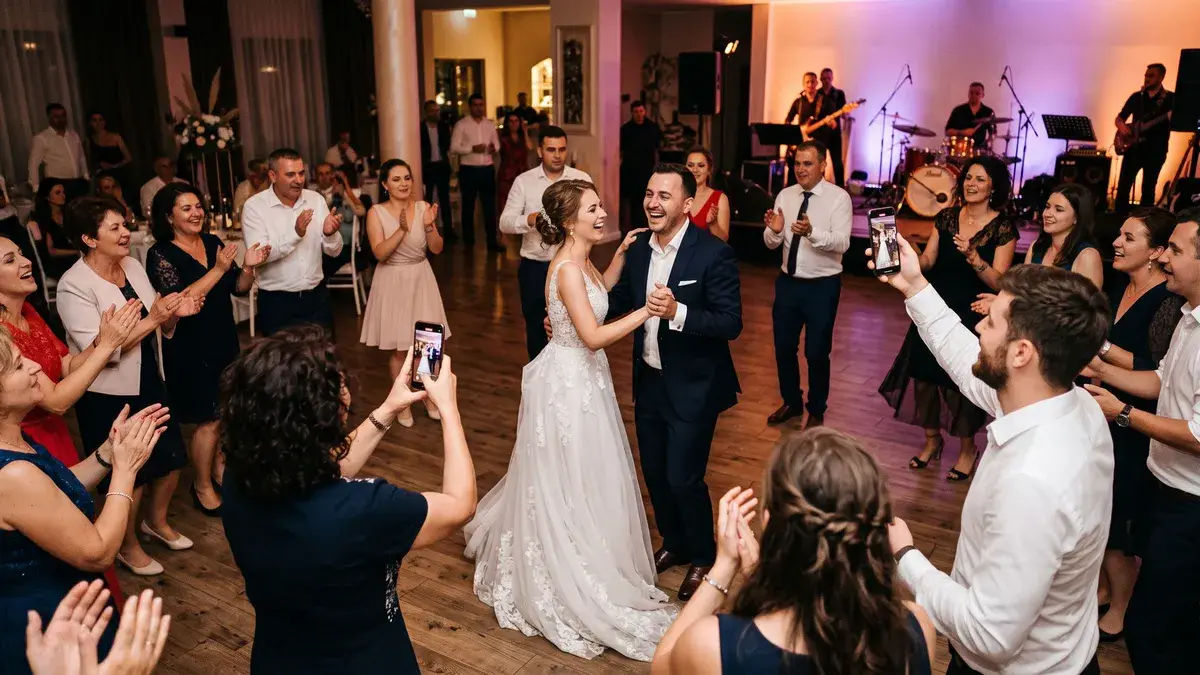
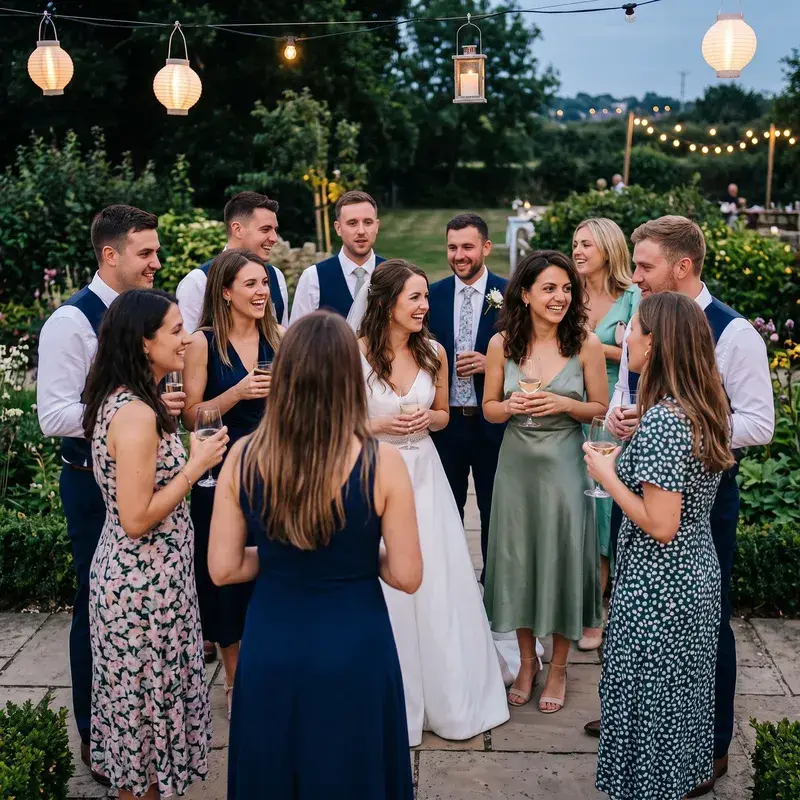
A photo album for every guest.
Your photographer hands you thousands of photos — and every guest wants theirs. With one selfie, each guest automatically receives the photos they appear in, no manual sorting. And the QR code on the tables gathers your guests' photos into the same gallery.


Thousands of photos from the photographer. And every guest wants theirs.
ImagoMoments started at our own wedding. When we received the photos from our photographer, we wanted to give every guest their own — the godparents, the parents, the friends. Done by hand, that means going through every photo, person by person: an enormous job nobody ever finishes. That's how the idea was born: one selfie, and everyone's album builds itself.
Two stories. One album.
The main story: from your and your photographer's photos, every guest receives their own album with one selfie. The second story: the QR code on the tables gathers what your guests captured into the same gallery.
The QR collects the party's photos
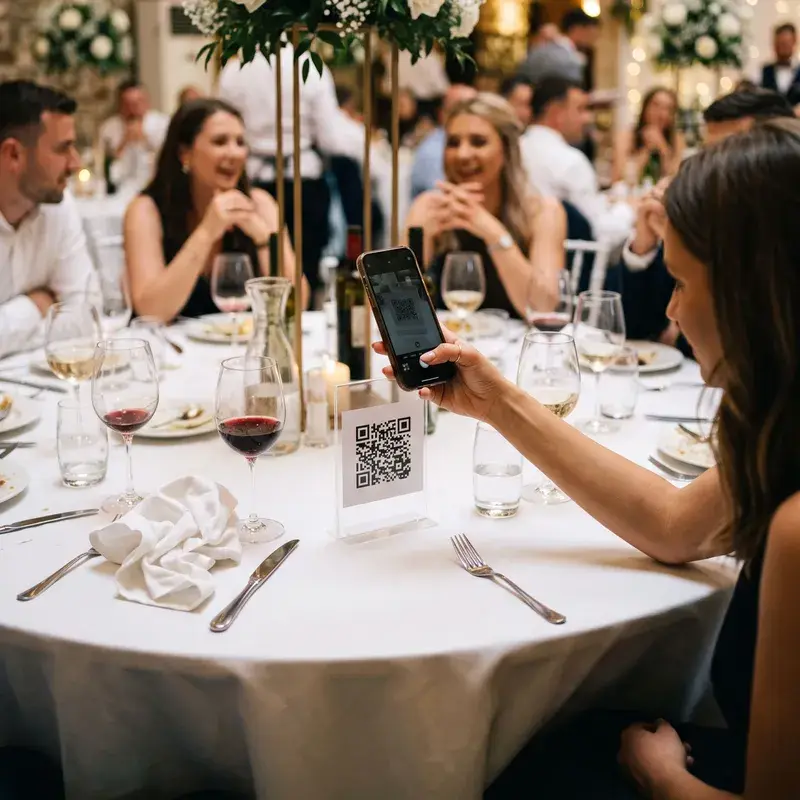
The code on the tables gathers your guests' photos into your gallery while the event is still happening.
Upload the photographer's photos
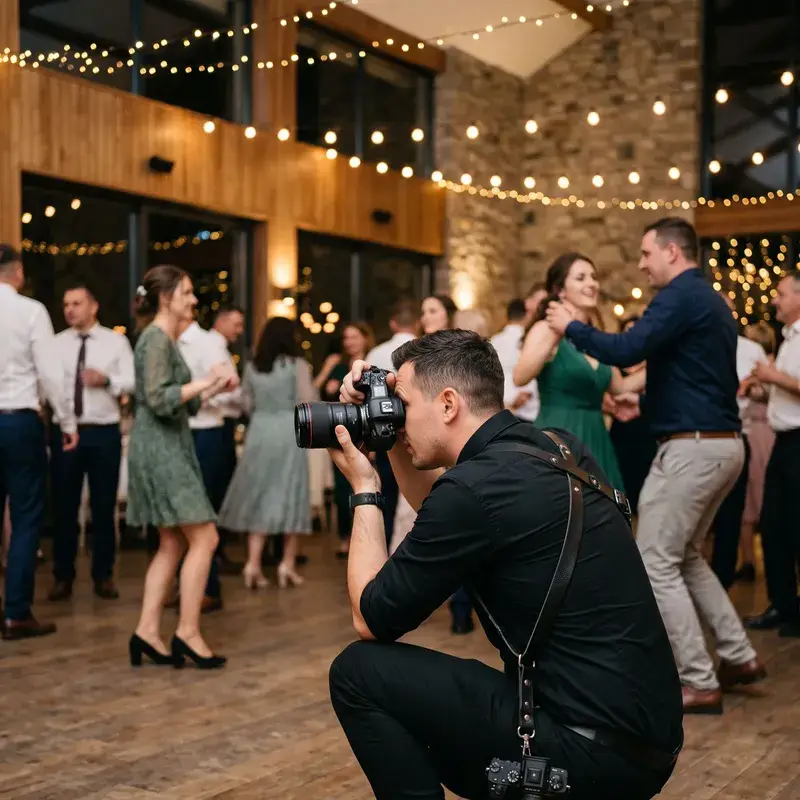
You or your photographer — thousands of photos, straight into the same gallery.
A guest takes a selfie
In the browser, no app. The selfie is deleted right after matching.
They receive their own album
Every photo they appear in, gathered automatically into a private gallery.
Every guest's album builds itself
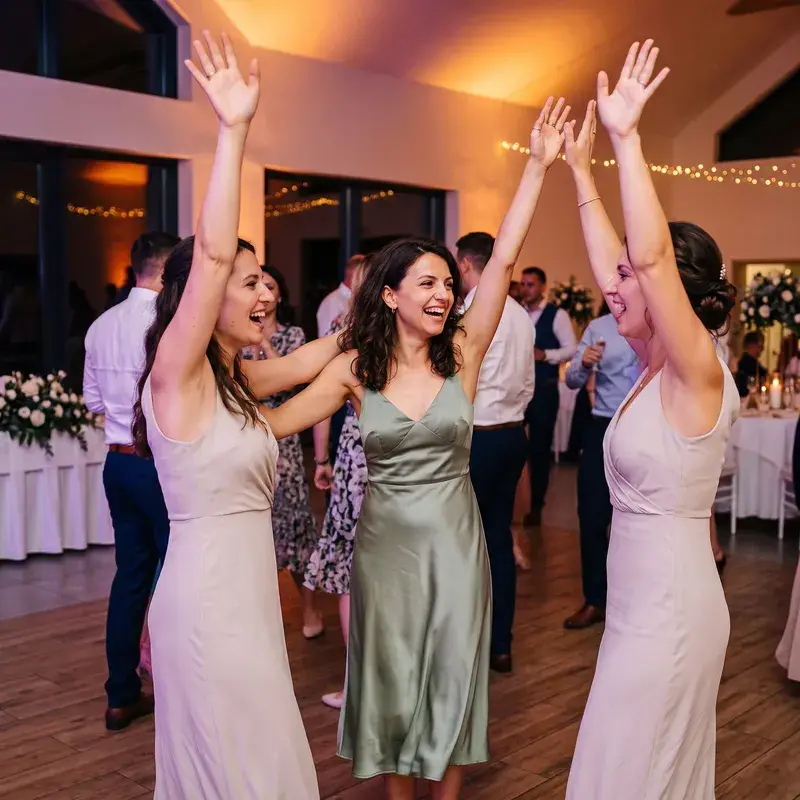
What took us weeks of manual sorting now happens with a selfie. From your and your photographer's photos, face matching finds each guest's photos — including the ones where they're laughing in the background or half turned away — and gathers them into a private gallery.
- ✓Personal galleries are built from your and your photographer's photos
- ✓Face matching is optional — it runs only for guests who ask for it
- ✓The selfie is compared against the event's photos, then deleted immediately
- ✓It finds them in group shots, candids, even in profile


A QR code on the table turns every guest into your photographer
The photographer can't be everywhere. Your guests can. They scan the code on the table and upload photos and clips straight from the phone's browser — the dance floor at midnight, the kids hiding under the table, the toast you missed.
- ✓Scan, shoot, upload — no app
- ✓Photos and clips, straight from everyone's phone
- ✓Uploads land in your gallery, not directly with others
- ✓You publish albums with what you choose — the rest stays with you
The first album builds itself. The rest, your way.
From your and your photographer's photos, ImagoMoments picks the best moments and prepares a starter album — you review it and publish it right away. Then build as many albums as you like and decide exactly who sees them.
The moments album, prepared for you
The event's best photos, picked automatically and arranged into a starter album. Review it, adjust it, and share it right away.
Albums of your choosing, shared with whom you choose
The ceremony, the party, family only — create your own albums and publish them to all guests, only some, or through a private link.
All your events, in one account
Today's wedding, next summer's baptism, next year's birthday — every event you attend gathers in the same account. Years from now, you open ImagoMoments and all the memories are there: your albums, your photos, your people.
You see everything. Others see only what you publish.
Every photo of the event — yours, the photographer's, your guests' — in one panel. Browse them by Moments and People, publish albums, and download the originals anytime.
- ✓All photos, Moments, People and Contributions in a single view
- ✓Publish albums or share private links for each guest
- ✓Photos and clips, including Live Photos
- ✓Download the originals anytime, for as long as your plan keeps them

Built to protect everyone in the photos
Face matching exists to help guests find their photos — that and nothing more. We keep only what's needed, only as long as needed.
The selfie is never stored
It is compared against the event's photos to find matches, then deleted immediately.
Optional from the start
Face matching is off by default and runs only for guests who turn it on.
Nothing is shared on its own
Guests only see the albums you publish. You can exclude any photo from face matching.
Facial data has an expiry date
Biometric data is deleted automatically 30 days after the last processing.
Room enough for the whole celebration
Every plan includes guest uploads, Find my photos, automatic organisation and shared albums. Storage, photo limits and how long originals are kept grow with the plan.
- ✓Generous space for photos and clips
- ✓Guest uploads, into your gallery
- ✓Find my photos for every guest
- ✓Smart albums, Moments and People
- ✓Keep the originals — extend anytime

Frequently asked questions
How do guests find their own photos?
They take a single selfie in “Find my photos”. It is compared against the event's photos and returns the photos they appear in, from your and your photographer's photos. The selfie is deleted immediately after matching.
Do guests need to install an app?
No. Guests scan the event's QR code or open the link they received, sign in quickly and upload photos and clips straight from the phone's browser — no app to install. It works on any recent phone, and the files land automatically in the event gallery at full resolution.
What do other guests see of the uploaded photos?
Only the albums you publish. Photos uploaded by guests first land in your private gallery, where you review them at your own pace; you then choose which photos go into the albums shared with others and who can see them. Nothing becomes visible without your explicit decision.
Is face recognition safe and private?
It is optional and off by default — it runs only for guests who turn it on. The selfie is used to find matches, then deleted. You can exclude any photo from face matching, biometric data is deleted 30 days after the last processing, and photos are hosted in the EU.
How long are photos kept?
The album stays available and the originals can be downloaded anytime. How long the originals are kept depends on the package you chose and can be extended with an add-on. Separately, the biometric data used for face matching is automatically deleted no later than 30 days after the last facial processing.
Does it work for baptisms and birthdays too?
Yes. Photo albums work the same way for weddings, baptisms and birthdays, including coming-of-age parties: the same QR code for guests, the same gallery with optional face matching and the same shared albums, whatever the type of event.
How is the best-moments album created?
ImagoMoments automatically picks the event's best photos and arranges them into a starter album. You review it, adjust the selection and publish it when you're happy.
Can I share albums with only some guests?
Yes. You publish an album to all guests, only to the ones you choose, or send it through a private link. You can combine these — for example a general album for everyone and a smaller one just for family.
Can I use the same account for several events?
Yes. Every event you attend — as a host or as a guest — appears in the same account, and the memories stay in one place. You don't create a new account for each occasion: the wedding, the baptism and the birthdays gather in the same personal archive.
Can guests upload video clips too?
Yes — photos and video clips, including Live Photos, straight from the phone's browser. Common photo formats (JPG, PNG, WebP, HEIC, GIF) are accepted up to 50 MB, TIFF and RAW files up to 200 MB, and video clips (MP4, MOV, WebM and more) up to 30 GB each.
How do the photographer's photos get into the album?
You add the photographer to the event with a dedicated role, and they upload photos straight into the gallery — these also count for personal-album matching. You can just as well upload the delivered files yourself.
Every guest goes home with their own album.
Create your event in minutes. Put the QR code on the tables and let the memories come to you.
Already have an account? Sign in